Product releases, new integrations, partnerships, team news, and event recaps. Everything happening across the channel, in one place.
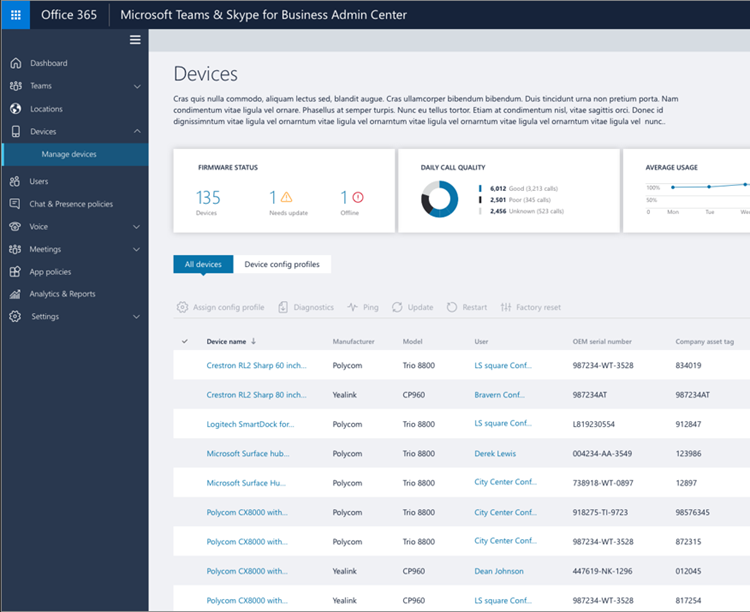
You'll be able to provide scoped administrative privileges to local IT admins in your organization. for Microsoft Teams Devices & Users.
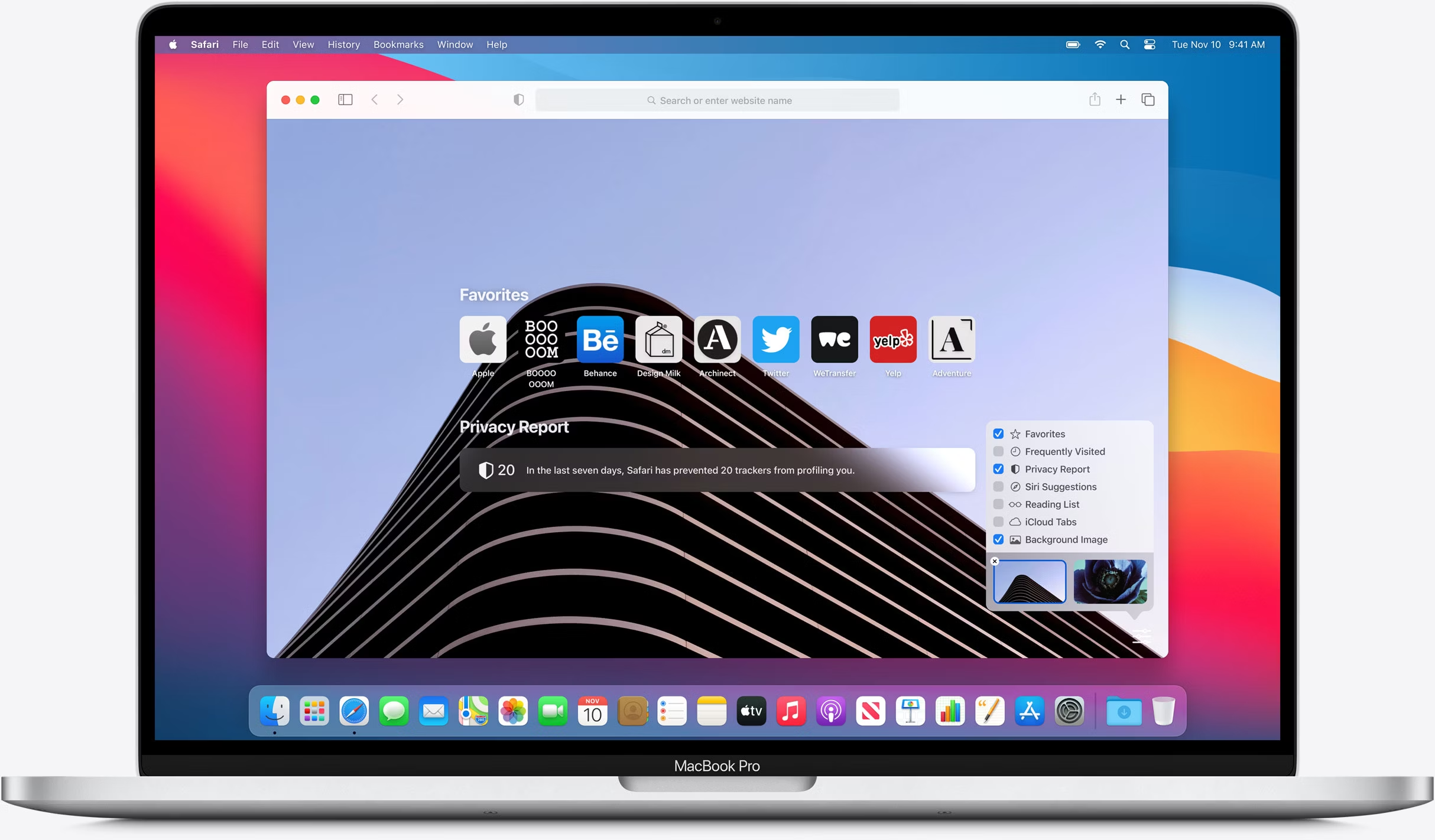
To align with Teams desktop, Microsoft created the ability to simultaneously share content via screen share while video is running on Safari browser.
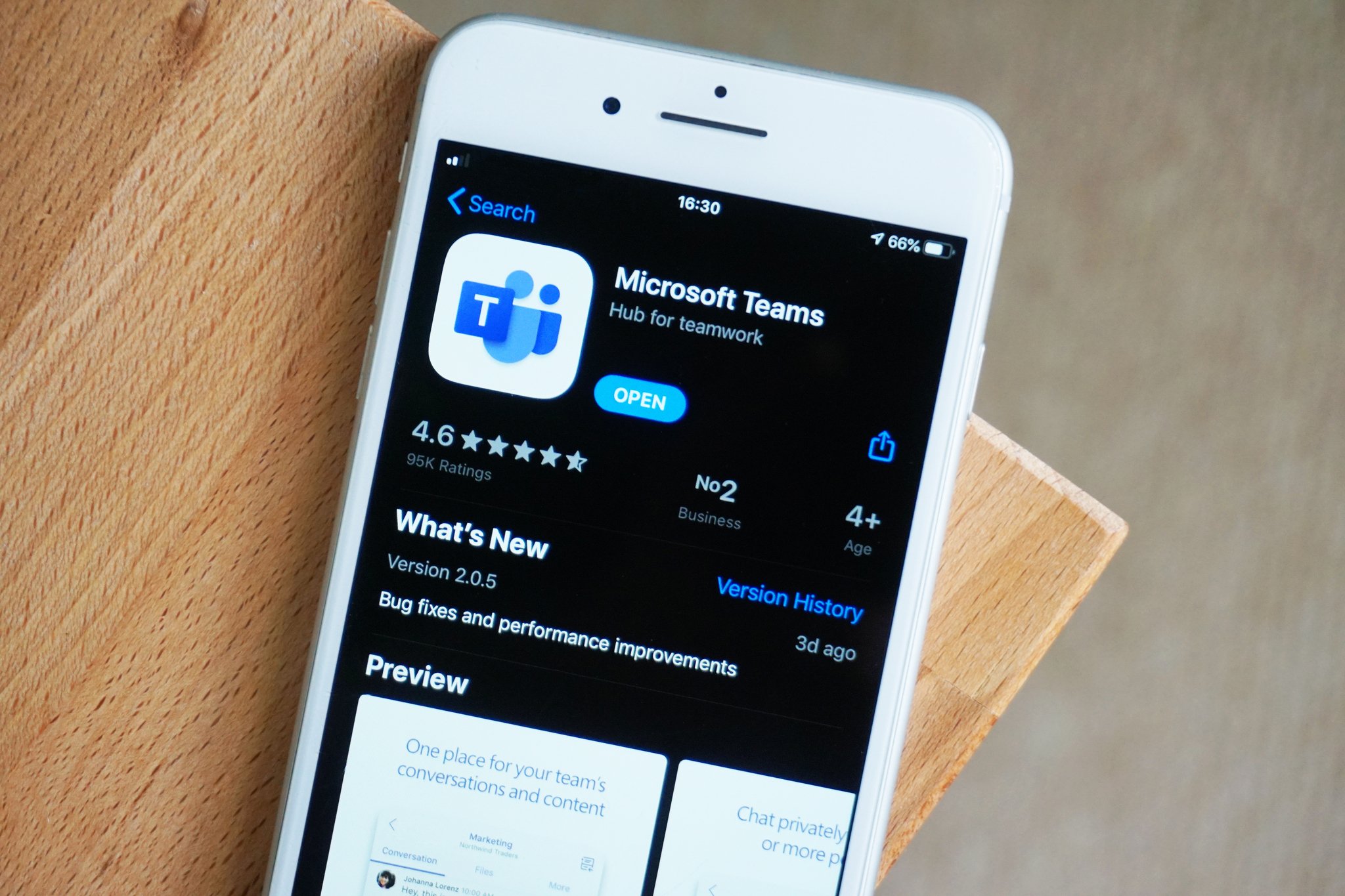
Teams users on their iPhone can use a single tap to join a meeting on both their device and Microsoft Teams Room.
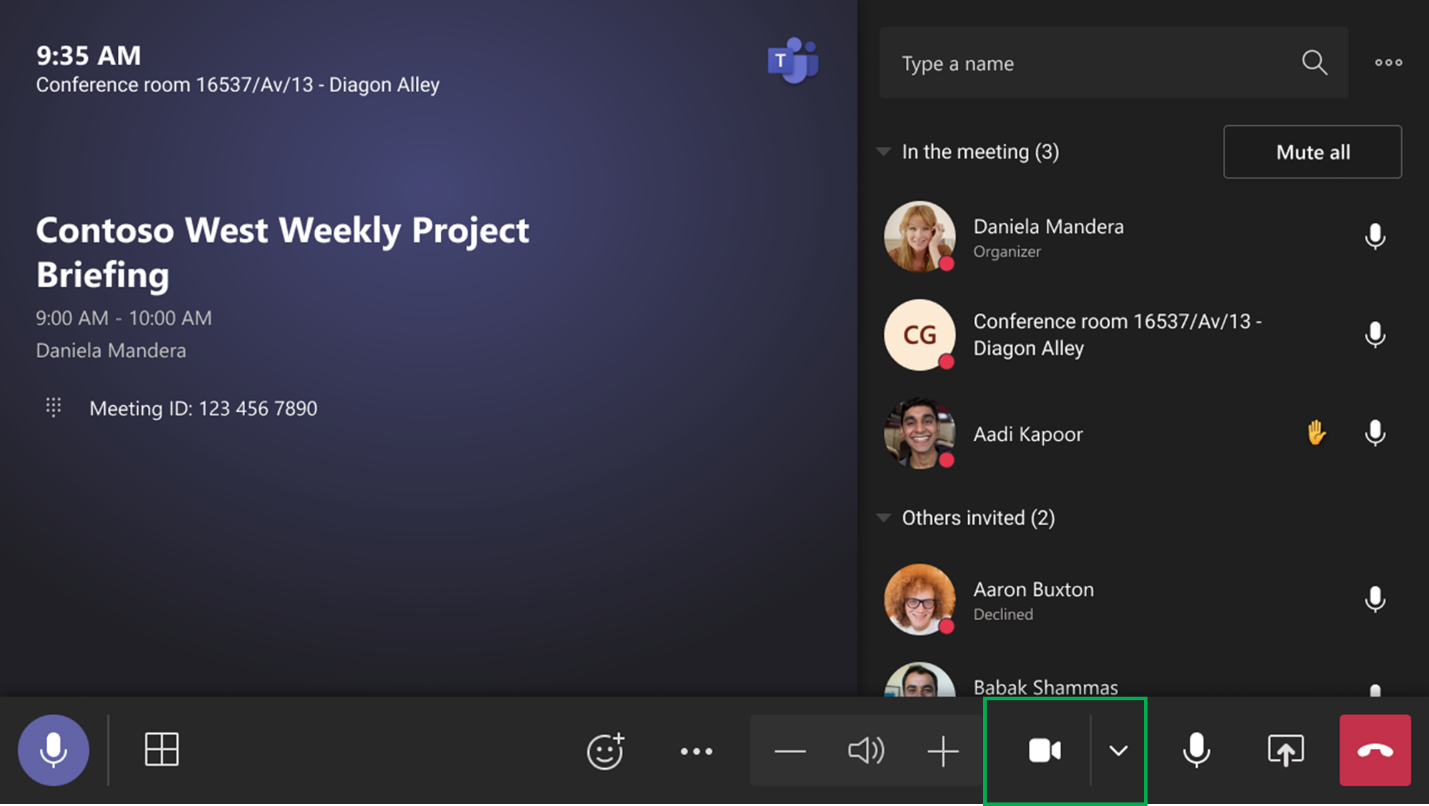
For rooms with more than one video camera attached to MTR, users will be able to switch between these cameras during a Teams meeting by selecting camera from the list of available cameras.

Microsoft launched a new program that makes it easy for businesses to receive cash back for their existing video conferencing equipment and desktop phones
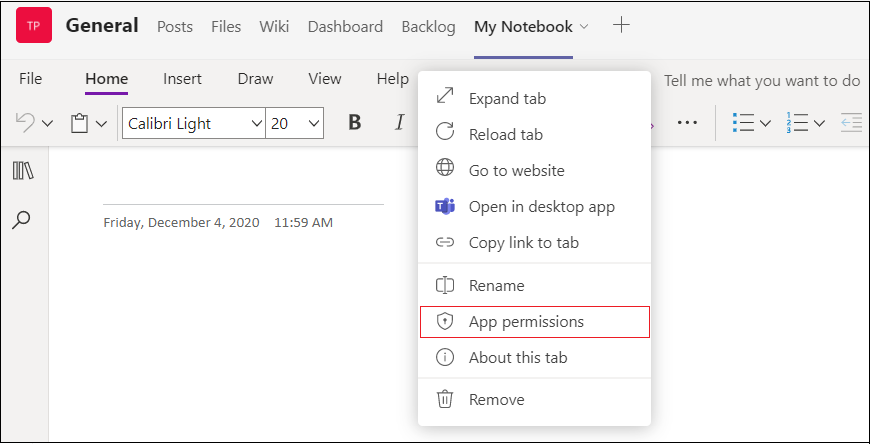
In order to better secure Microsoft Teams third-party applications that request native device permissions - such as camera, microphone or location access - Microsoft will be requiring users to manually opt-in for these permissions per app in the Microsoft Teams web browser experience.
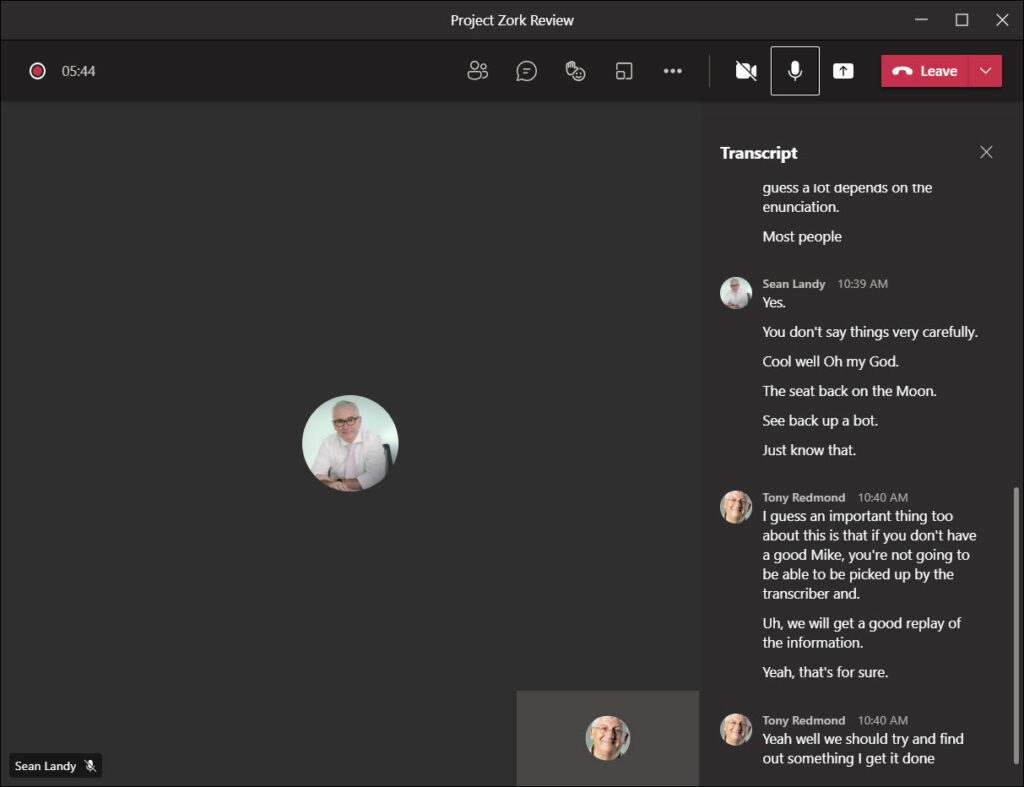
Transcription captures the text version of your Call and saves it for later use. This can be enabled via the control bar within the Call window.

Microsoft Teams will support the ability for your users to stream their Teams meetings and webinars to large audiences through real-time messaging protocol (RTMP) including endpoints outside your organization.

Microsoft Teams will now optionally support isolated audio streams when using Network Device Interface (NDI) or Hardware-Out from Teams Meetings.
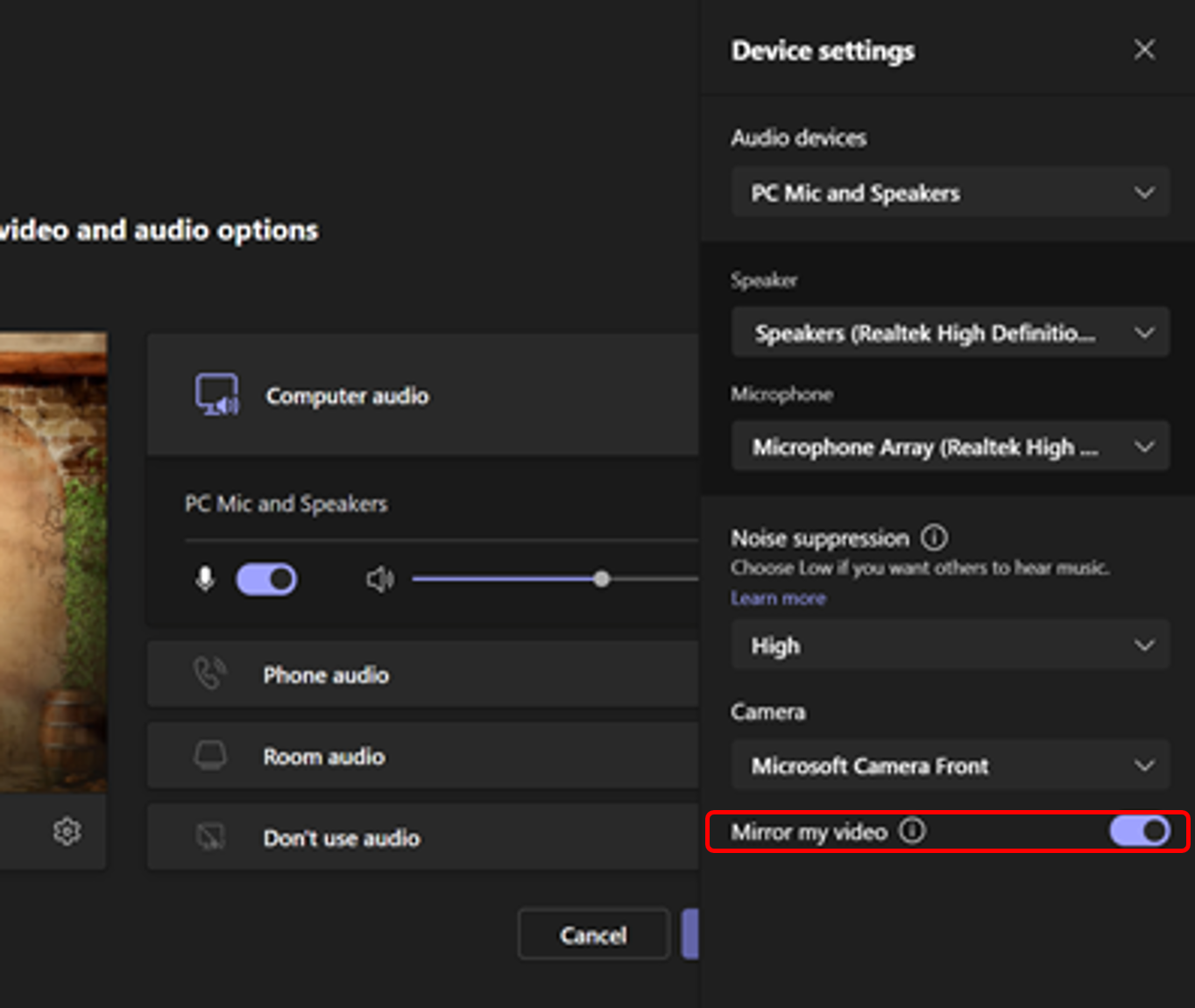
Now you will no longer have to see the text flipped. While the user on the other end of the meeting can see the text correctly, you see the text flipped. By providing you the option to un-mirror, you will be able to see the text correctly.

