

What’s new at 1Stream.
Product releases, new integrations, partnerships, team news, and event recaps. Everything happening across the channel, in one place.

Microsoft Teams app setup policy group assignment
App setup policies allow apps to be pre-installed and pinned to the app bar by the admin. App setup policies can now specifically be assigned to groups.
Updated: Teams Default Tenant-Level Tag Management Settings
The Teams admin center default for who can manage tags will be updated from Team owners to Team owners and members

Microsoft Teams: Chat density
Customize the number of chat messages you see on the screen.
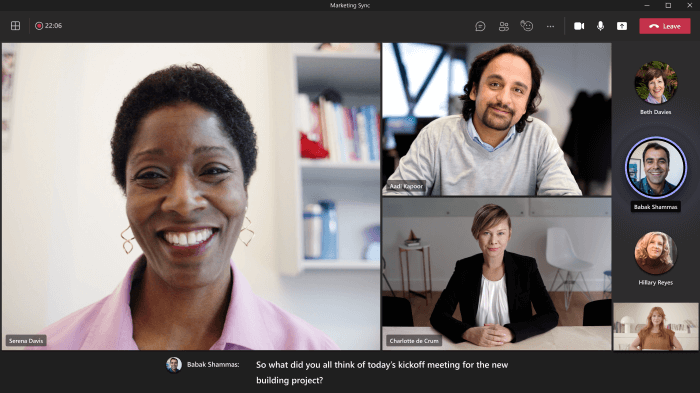
Live Captions in all available languages on Microsoft Teams Meetings on Web
Live Captions in all available languages will now be available on Teams Meetings on web browsers. Chrome/Edge/Safari on Win/Mac/Linux platforms supported.
Cortana Voice Activation enabled by default in Microsoft Teams Rooms
Cortana Voice Activation will be enabled by default for Teams Rooms

Information Barrier Open and Owner Moderated Modes in Microsoft Teams
Open Mode will be the default mode for all existing teams and groups that were provisioned before information barriers were enabled

Cortana support expansion to additional languages in Microsoft Teams Rooms
End users can now use "Hey Cortana" to join meetings and other skills if their Teams rooms are configured to use language en-au, en-ca, en-gb, en-in, en-us

Microsoft Teams Admin Center: App Lists and Banners
Once available, apps will be able to be viewed by category. Additionally, there will be a banner displaying top apps.
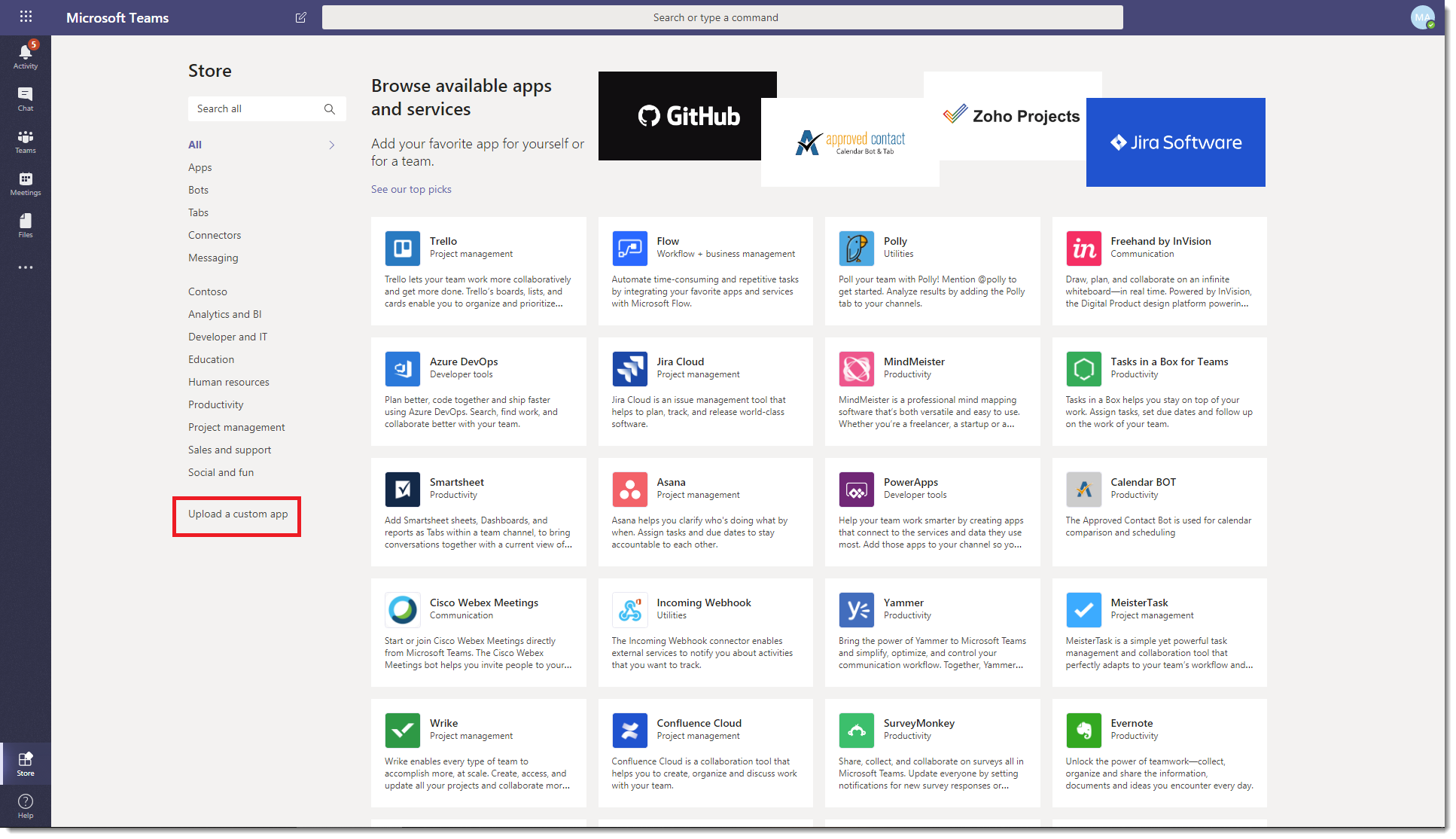
Microsoft Teams: Richer App Details in Teams Admin Center
Microsoft and third-party apps will provide greater description for apps, including images and product videos.
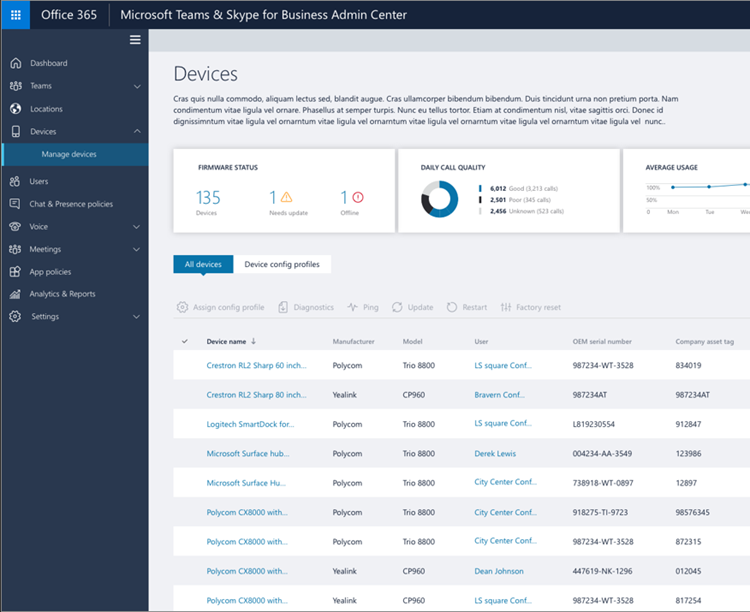
Administrative Units Now Live for Teams Device Administrator Role
You'll be able to provide scoped administrative privileges to local IT admins in your organization. for Microsoft Teams Devices & Users.