

What’s new at 1Stream.
Product releases, new integrations, partnerships, team news, and event recaps. Everything happening across the channel, in one place.
 Featured
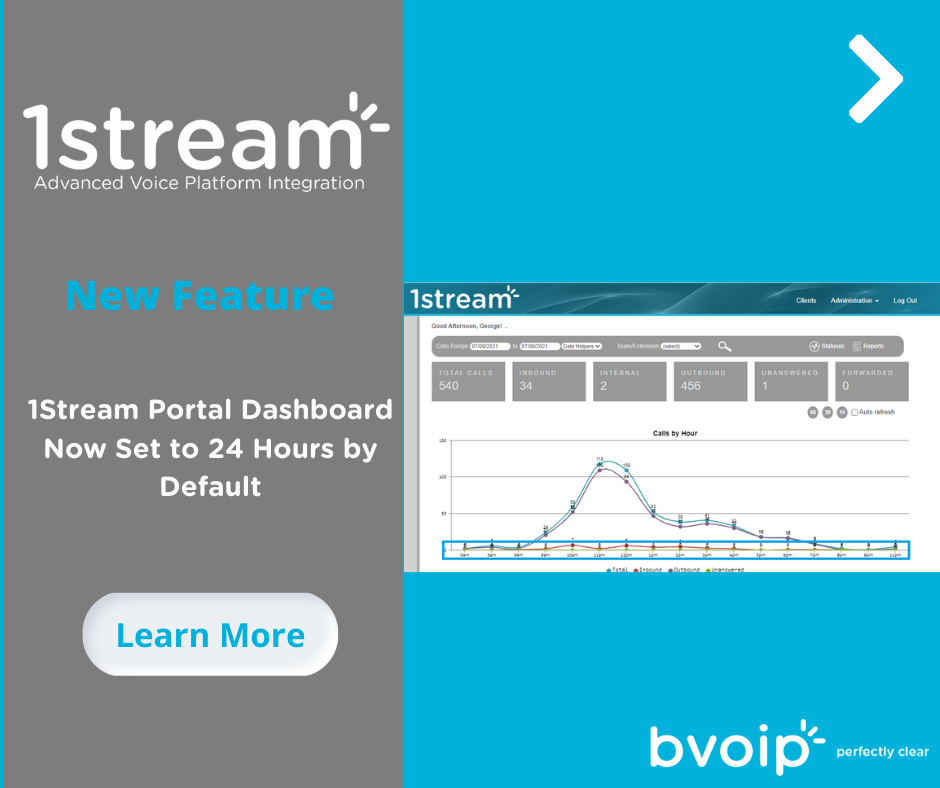
New: 1Stream Portal Dashboard Now Defaults to 24 Hours
Make sure the whole day is graphed and charted to make sure you see calls happening after hours or across multiple shifts
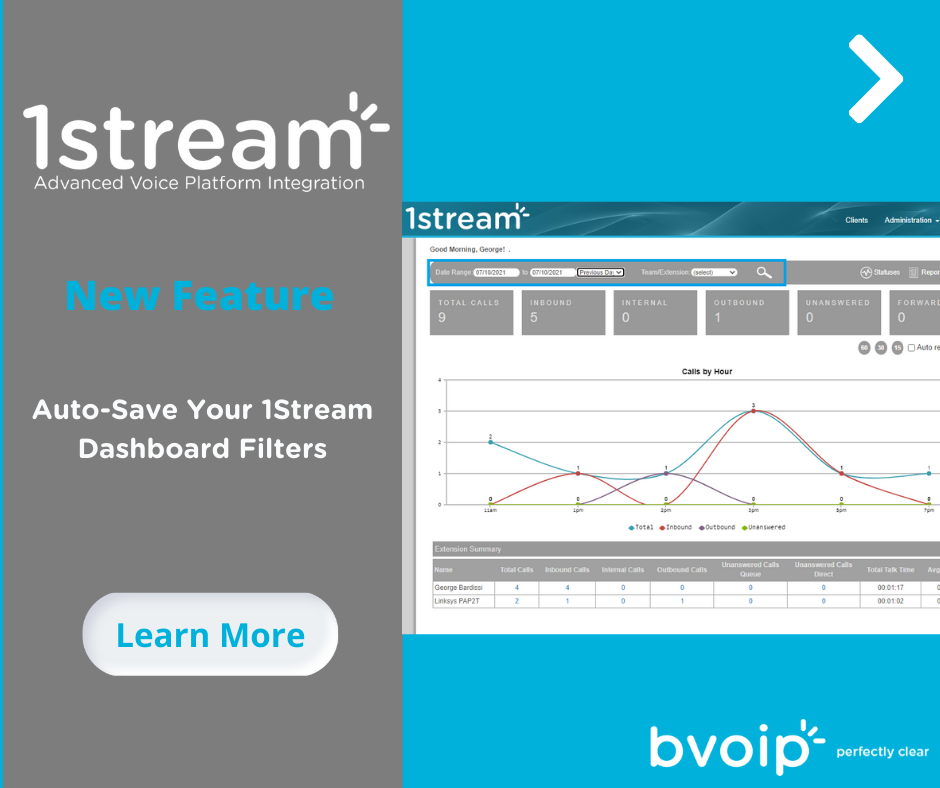
New 1Stream Feature: Auto-Save Your 1Stream Dashboard Filters
You can now keep your defaults in place and easily throw this dashboard up on a second monitor or TV to keep an eye on things!
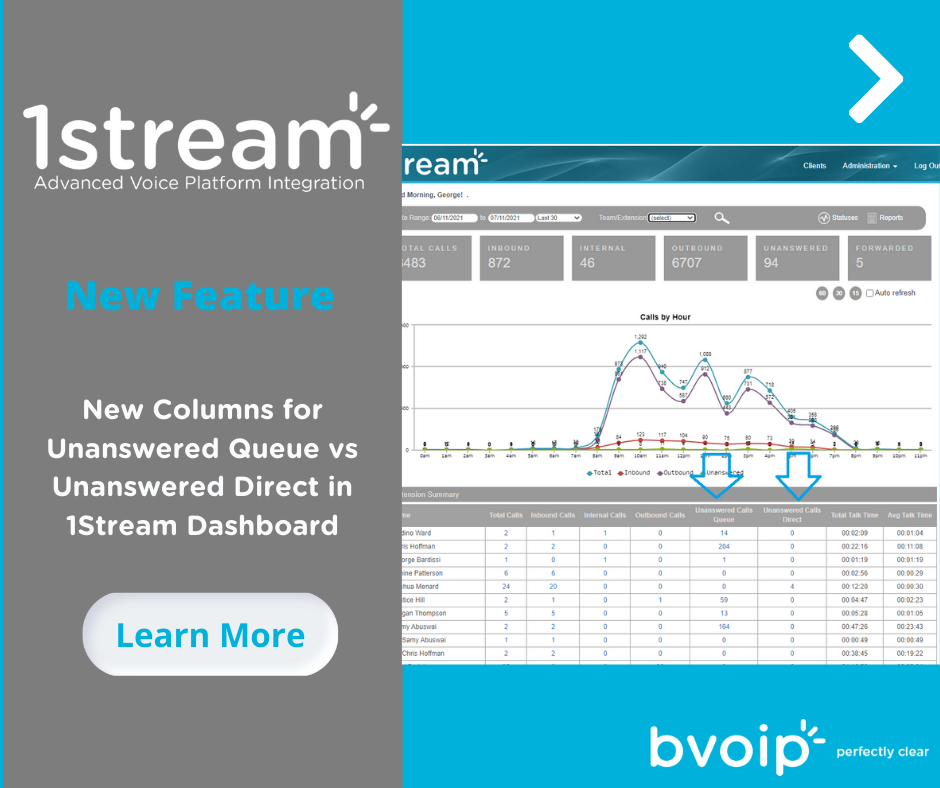
New: Unanswered Queue vs. Unanswered Direct Columns in Dashboard
An easy way to see separated calls depending on if the call came from a call queue or was a direct call
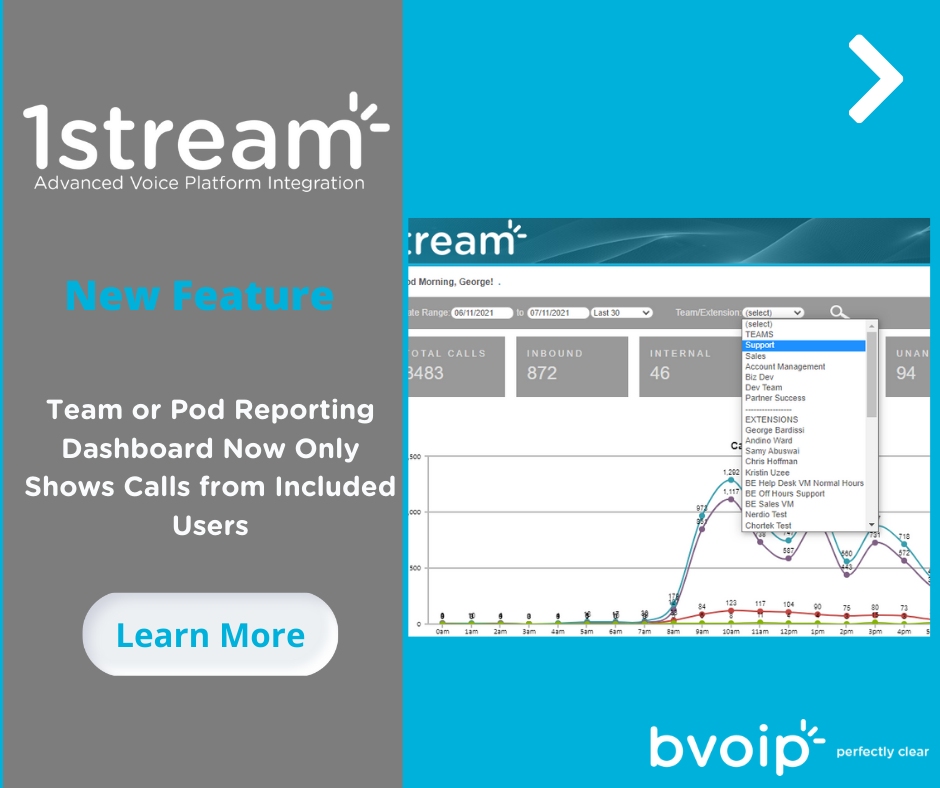
New: Team/Pod Reporting Dashboard Shows Only Included Users' Calls
Cleaner dashboarding of teams or pods within the 1Stream portal
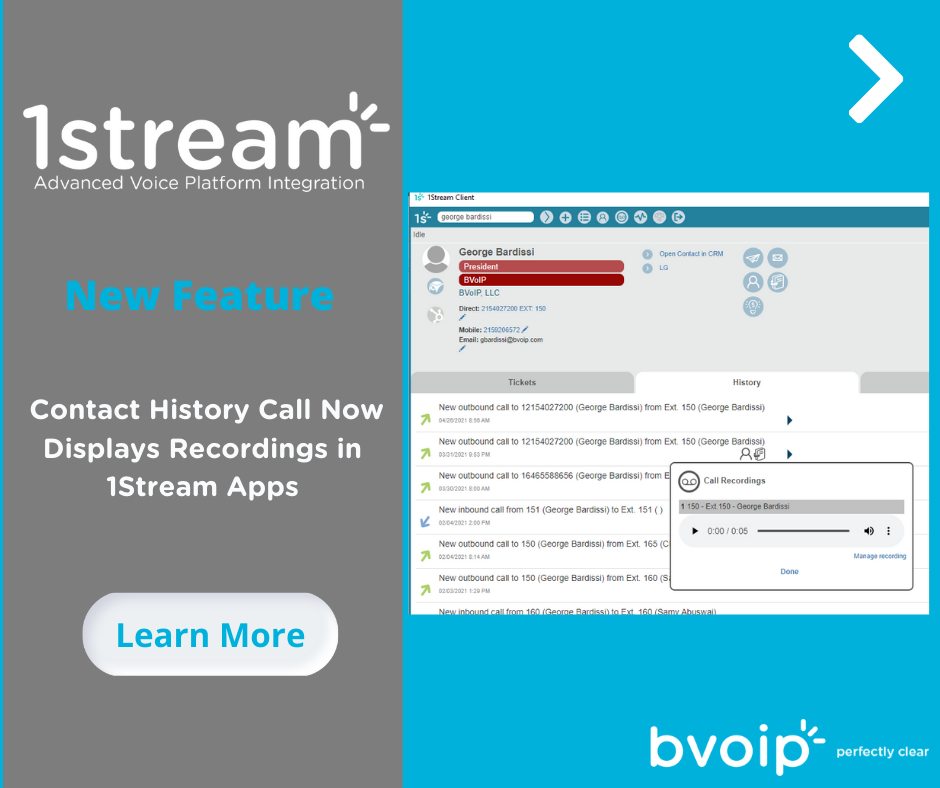
New: Contact History Shows Call Recordings in 1Stream Apps
Need to go back and listen to a part of a convo you were on to double check something? Now you can see your call recordings and play them too!
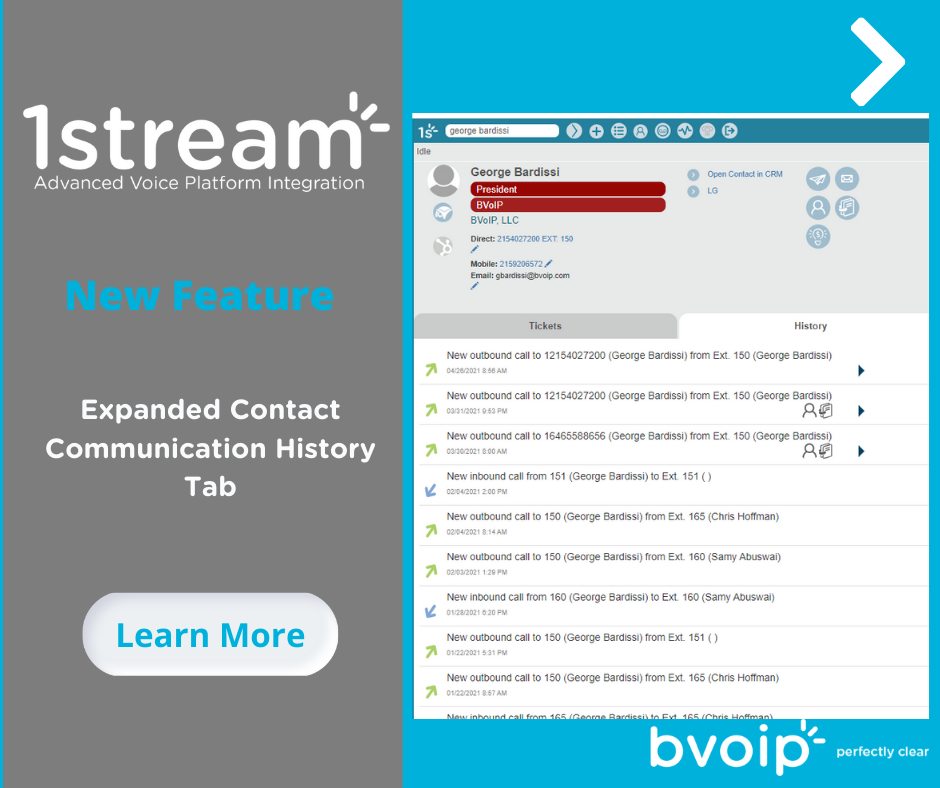
New 1Stream Feature: Expanded Contact Communication History Tab
Quick see all recent calls with a particular contact across all of your teams so you can easily pinpoint touch points in the past
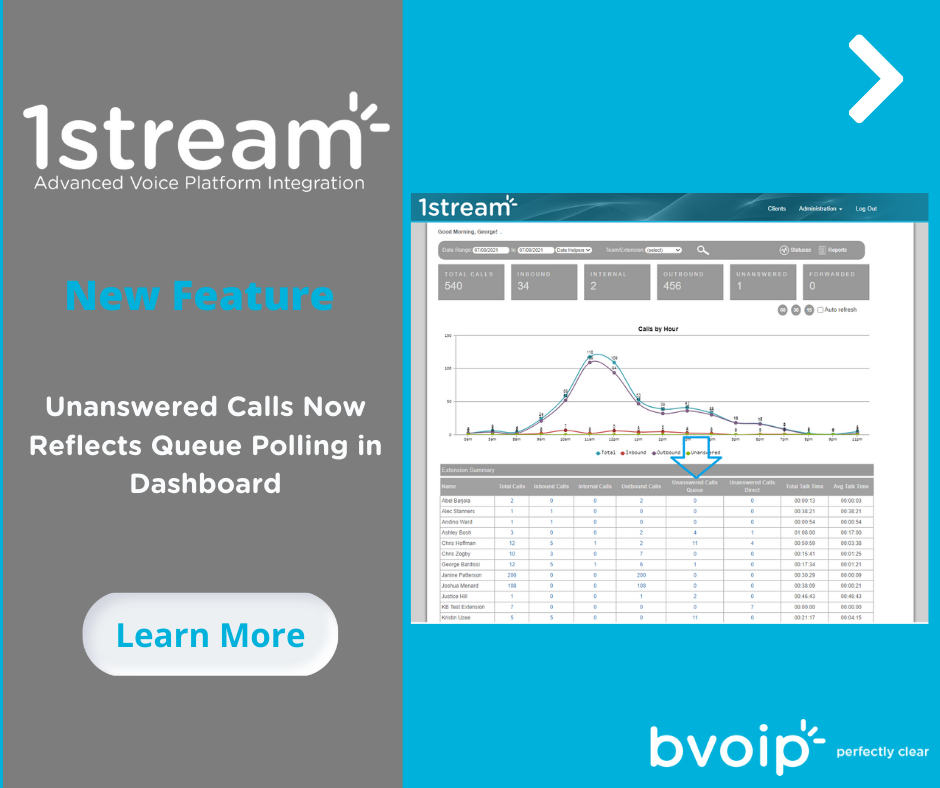
New: Unanswered Calls Now Reflect Queue Polling in Dashboard
This gives some much needed visibility to how long calls go unanswered in call queues!
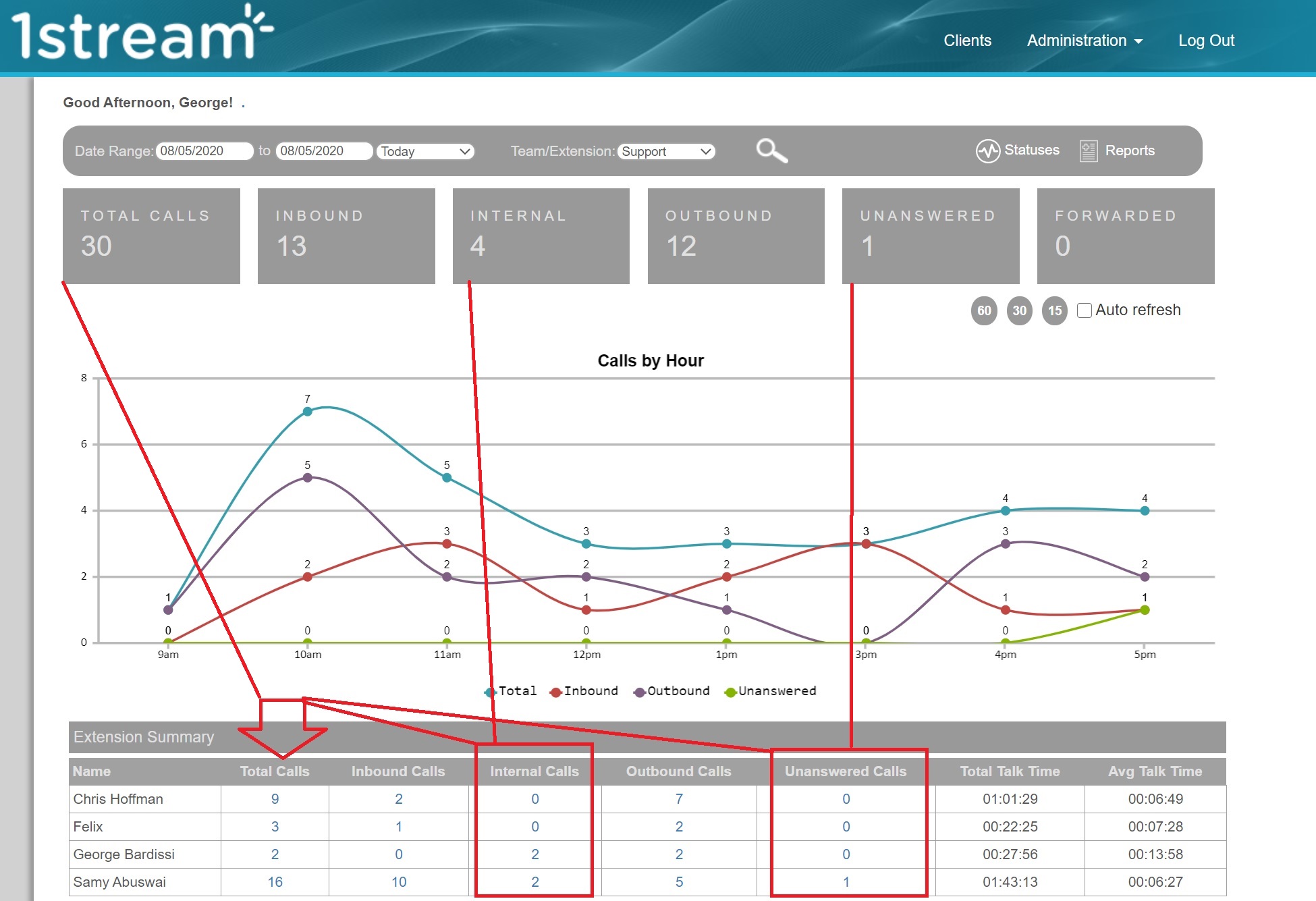
New in the Dashboard: Extension Summary Data at a Glance
We've added extension summary data to our dashboard so you can quickly see who did what & when on the fly!
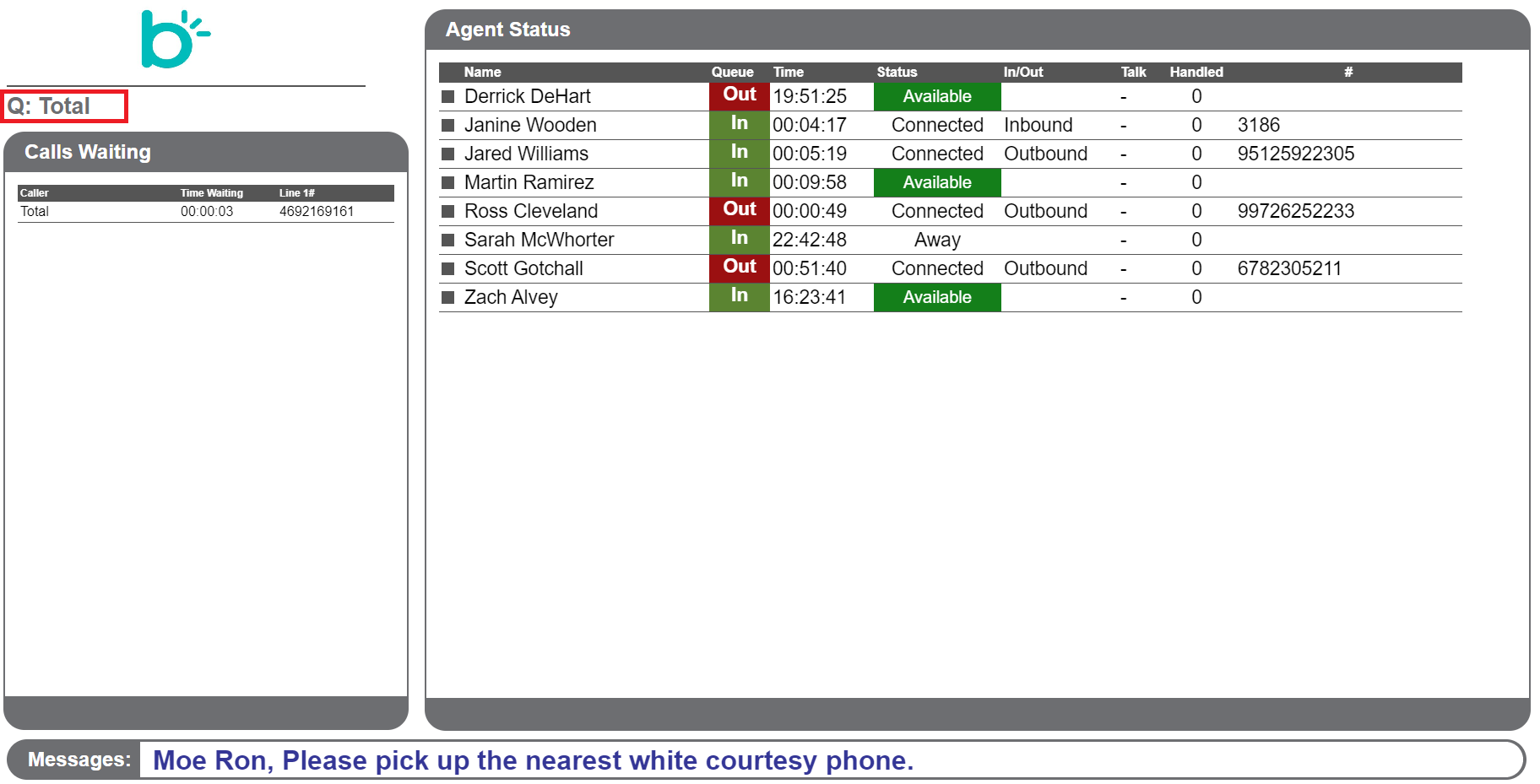
New 1Stream Feature: Wallboard Direct Links
You can now use targeted URL's to filter for the exact view you want rather than constantly having to do it manually for TV's, Monitors, etc
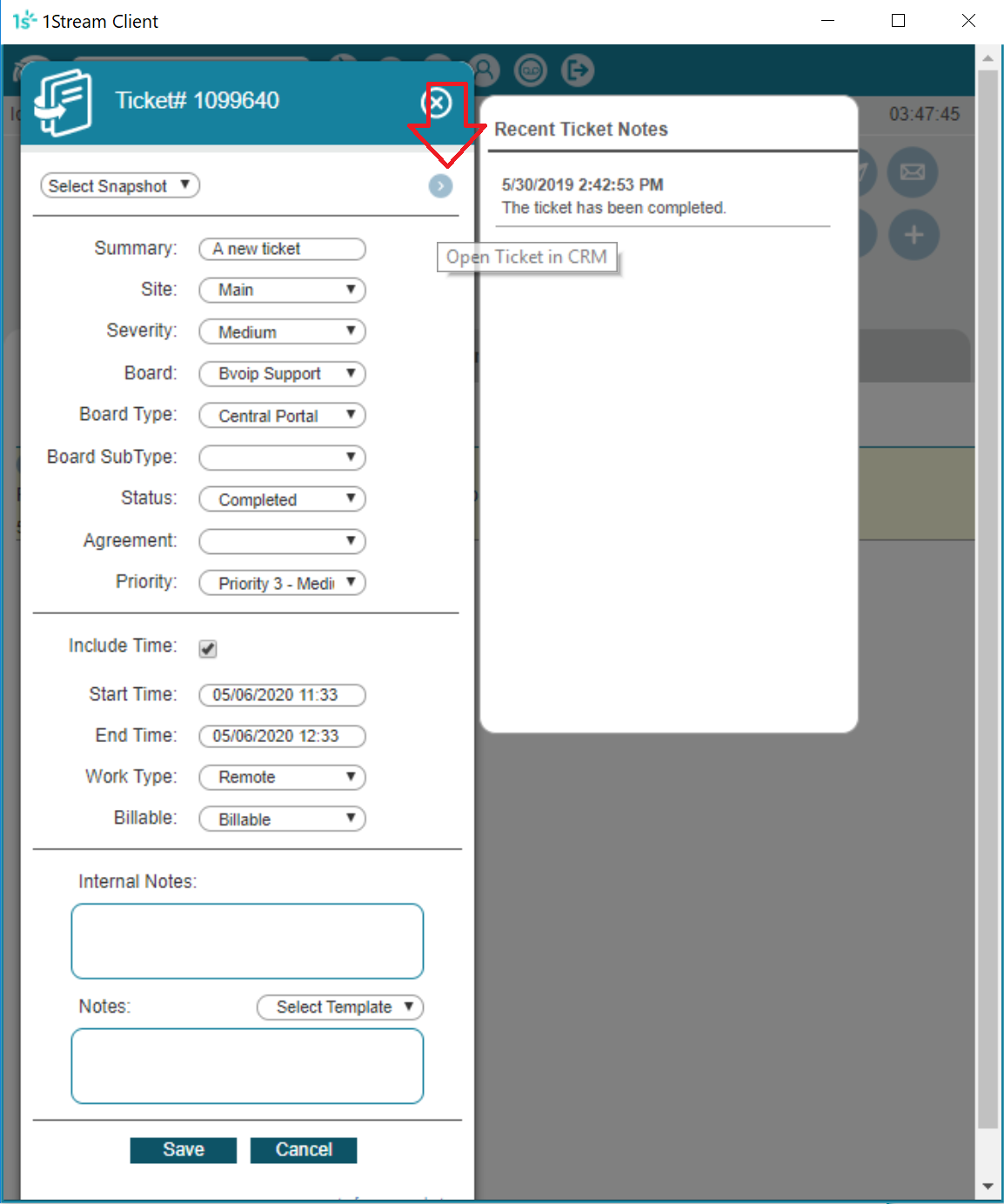
New 1Stream Feature: Screen Pop from Ticket Edit Screen
We added a quick screen pop button into our Ticket Edit Screen so you didn't have to go backwards in your workflow