

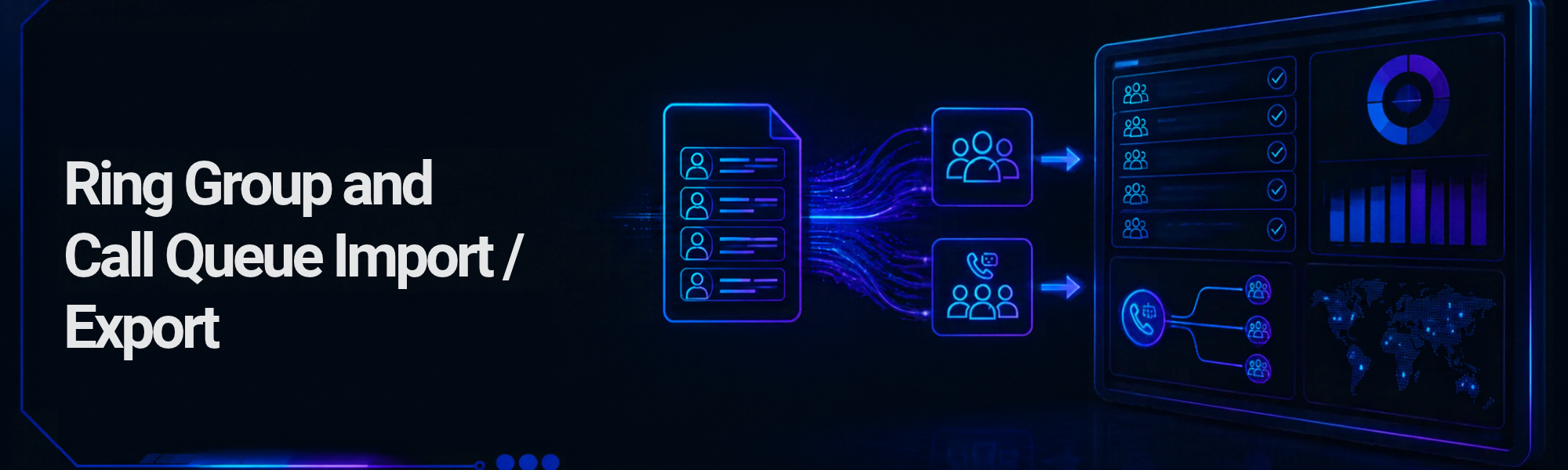
Based on a long standing feature request, we have published a new feature that allows you to import Ring Groups and Call queues into 1Stream accounts.
Not only is this a quality of life improvement for existing users, it will help with new account setup and configuration.
What users get
- - Import, Template and Export buttons on the Ring groups and Call queues lists.
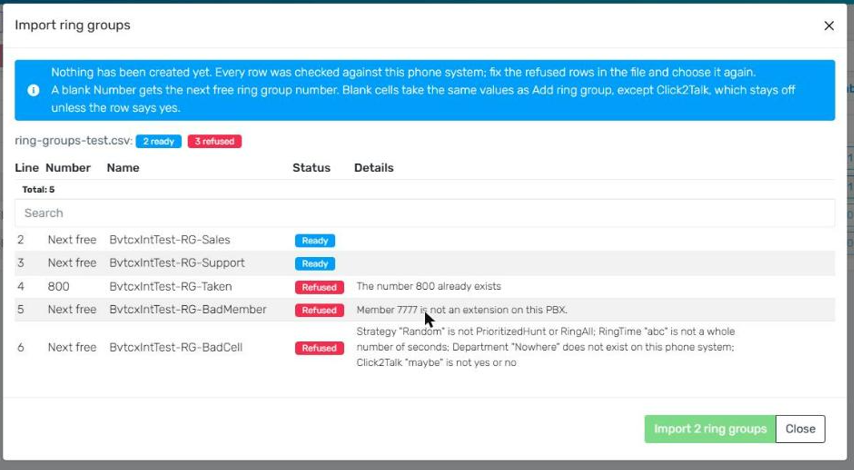
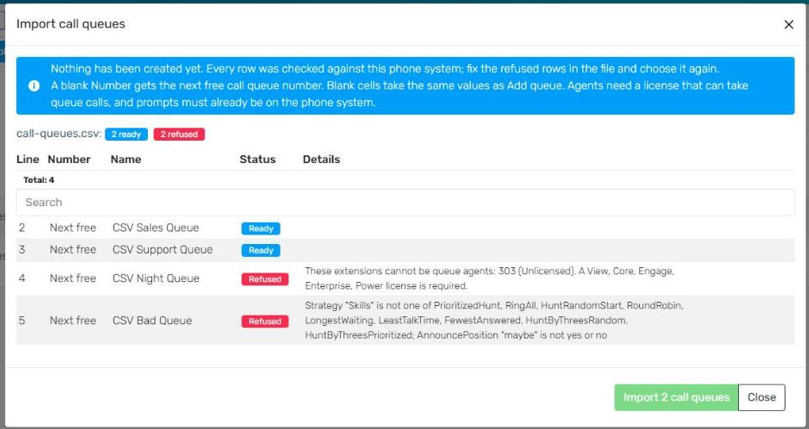
- -Preview before anything is saved. Import checks the whole file against the account and shows each line as Ready or Refused, with the reason.
- -All or nothing. The import only runs when no line is refused.
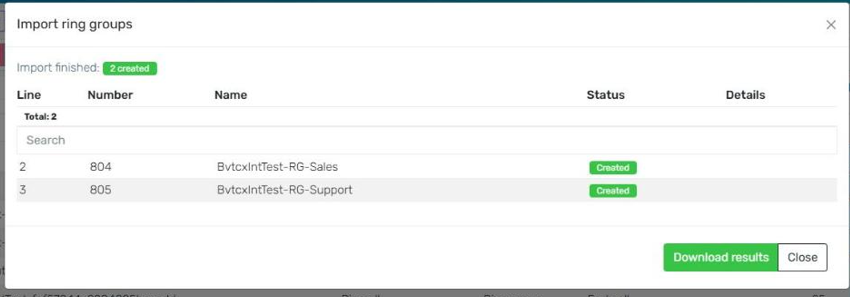
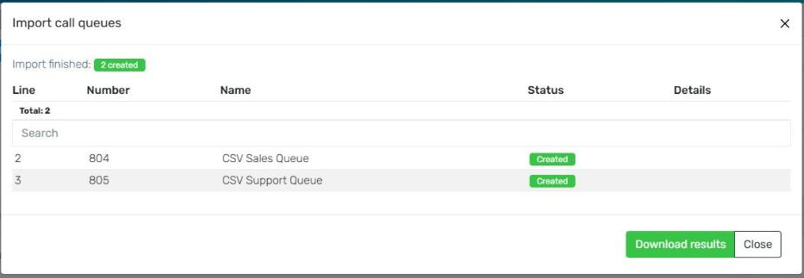
- -Progress and results. A progress view while it runs, then a results list that can be downloaded.
- -Numbers. A blank Number takes the next free one.
- -Blank cells take the same values as Add ring group / Add queue. Click2Talk on ring groups stays off unless the row says yes.
- -Export writes the same columns, so a file can be exported, edited and imported again.
Ring Groups
When you navigate to Ring Groups in the Control portal
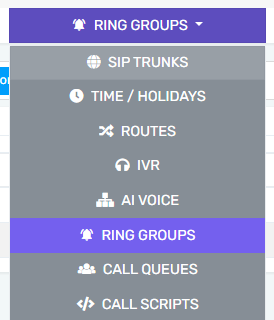
You will see new options in the top toolbar - Import, Template, Export

Click on the template button which downloads a CSV file you can open in your spreadsheet tool like Excel.
Fill in the proper values in the template.
Click on Import
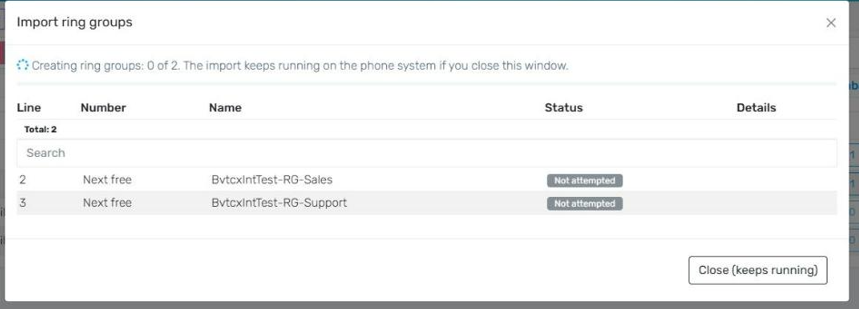
The system will attempt to create your new ring group(s) based on your import file
Start the Process
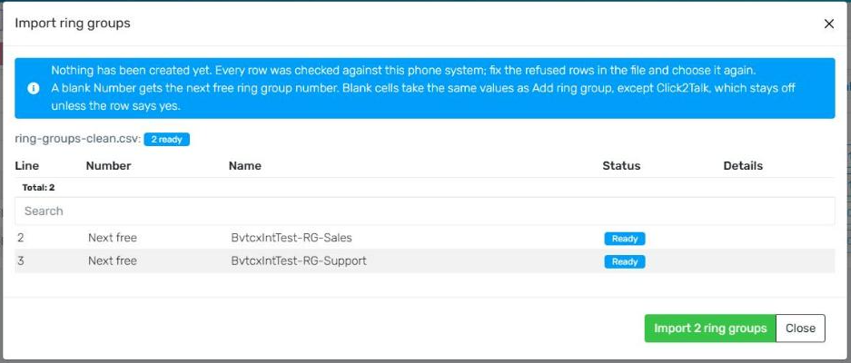
In Progress
Exception Handling
Successful Import
Call Queues
When you navigate to Call Queues in the Control portal
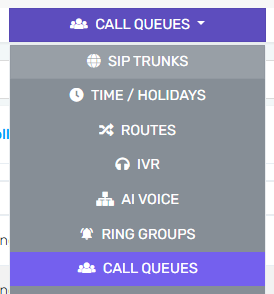
You will find a similar menu with Import, Template, and Export

Click on the template button which downloads a CSV file you can open in your spreadsheet tool like Excel.
Fill in the proper values in the template.
Click on Import
The system will attempt to create your new call queue(s) based on your import file
You will see similar progress experience to Ring Groups.
Exception Handling
Successful Import
API & MCP
Alongside with our Control Portal UI menus and workflow above, Ring Group and Call Queue creation and import is also available via our Partner Control API and our MCP Connector for AI Assistants