

In July, we announced an overhaul to our 1Stream Intelligence Portal.
In October, we announced that the new portal was made the default experience for all regions.
Today, we are happy to announce a long standing partner feature request which is now available via the modern 1Stream Intelligence Portal.
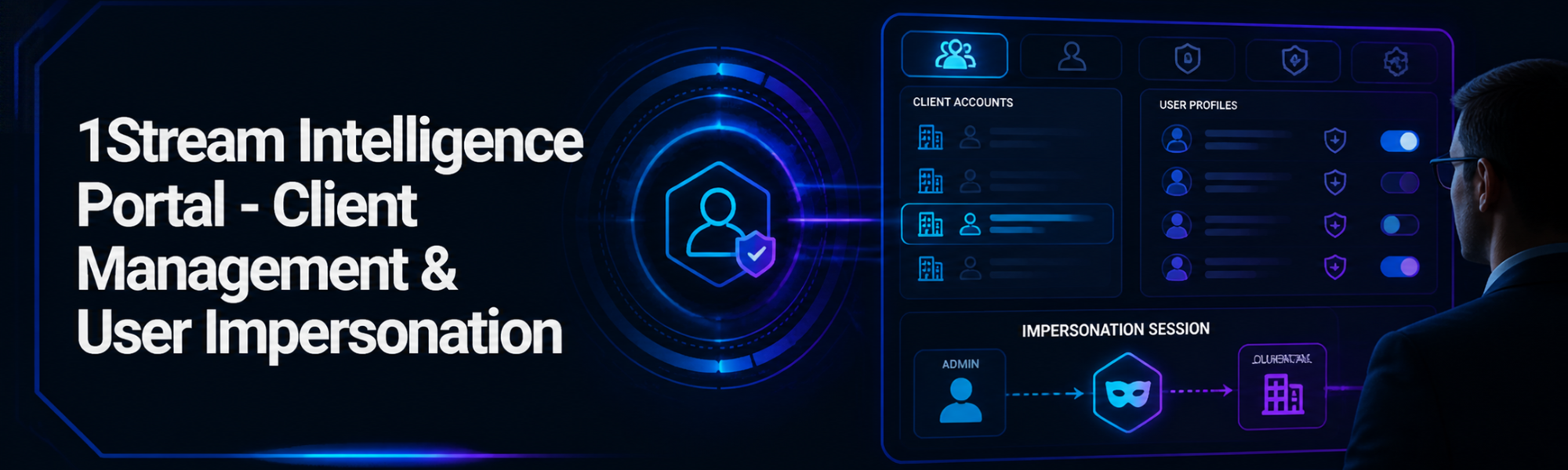
Partners can now manage all downstream end client accounts as well as impersonate individual users within each organization via the Modern Intelligence Portal. (this won't be made available in the Classic Intelligence Portal).
This brings feature parity between the Intelligence Portal and the Control Portal into alignment when it comes to account administration, management, and useability.
Client Management
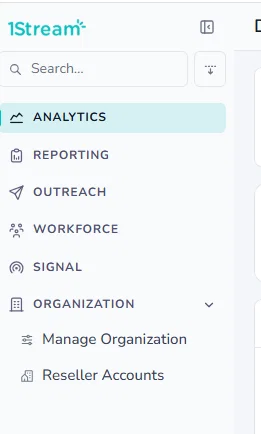
When you are logged into the 1Stream Intelligence Portal as a Partner, You will find an option in the left side menu called Reseller Accounts
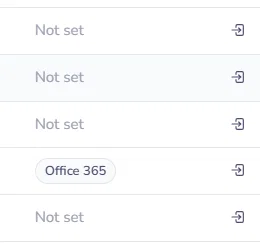
You will see a list of all of your downstream clients and all the way to the right hand side of the screen you will see and icon.
User Impersonation
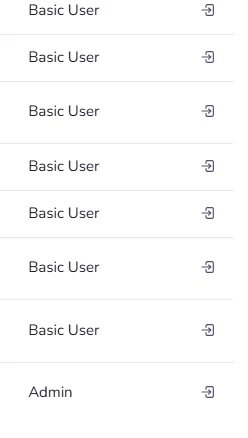
Once you click, you will get a list of individual users you can impersonate. Again, click on the Icon
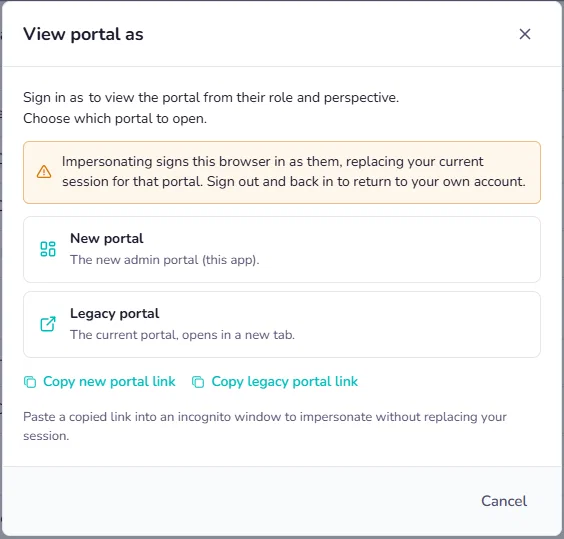
You will then have the option to select the New Modern Portal, or the Legacy Classic Portal in a new browser tab or you have the ability to copy the link so that you can open in another browser window.
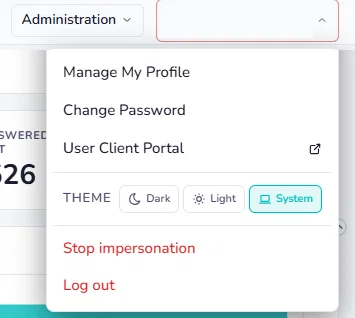
You will see in the Modern Portal that you are now impersonating a user in the upper right hand corner and you will be able to Stop impersonation and Log Out
You will see in the Classic Portal that you are now impersonating a user in the upper left hand corner. You can not stop impersonation in the Classic Portal but you can logout in the upper right hand corner.


We hope this comes as welcome functionality for all 1Stream partners!