

We are happy to announce a new way to manage which users under your partner account that are authorized to open tickets and/or contact 1Stream technical support.
Once you are inside the Control Portal, navigate to System, Users
.webp?width=234&height=377&name=b6ae81db-7e60-49cf-8eea-16054d497322%20(1).webp)
This is the standard users list that you would manage user access to the Control portal from.
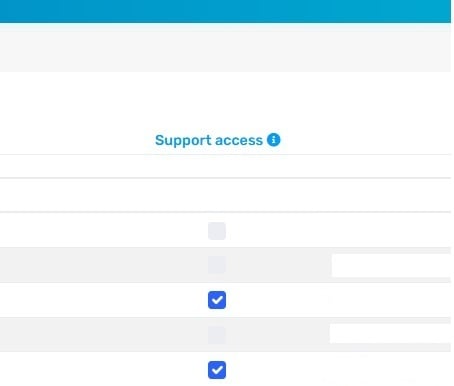
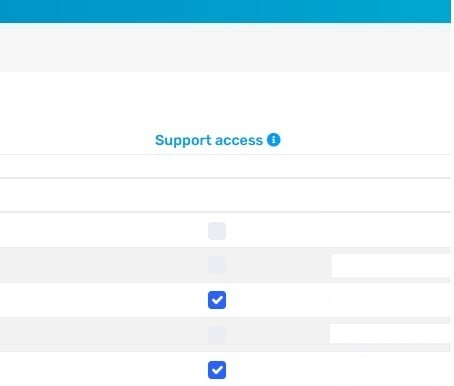
You will find a new column called "Support access". Users that are authorized to contact 1Stream support will be "checked".
.webp?width=1671&height=275&name=f01149a9-31cf-47ba-abb4-8414eee40ab0%20(1).webp)
Users that are not listed here at all or users that are "un-checked" are NOT authorized