UCAAS - BUSINESS VOICE Modern Communications
CCAAS - CONTACT CENTER Advanced Omnichannel
INTEGRATED MESSAGING SMS | MMS | CHAT
SAAS INTEGRATIONS Over 200+ Apps & Integrations
ENHANCED MS TEAMS VOICE Hybrid Direct Routing Solution
ON-CALL & ALERTING Critical Alerting, Escalations
AI AGENTS AI Powered Automation
BI BUSINESS INTELLIGENCE Dashboards, Reports, Wallboards
USER ID & VERIFICATION Automated, On-Demand, Integrated
WORKFORCE MANAGEMENT Simplified Staff Management
PROGRESSIVE DIALER Intelligent Dialer with VM Drop
MSP RESALE PROGRAM Designed Exclusively for IT & MSP's
bvoip has updated and published updated hotdesking templates for the following models:
Yealink T19P E2, T19 E2, T21P E2, T23P, T23G, T27G, T29G, T40P, T40G, T41S, T42S, T46S, T48S, T52S, T54S, T53, T53W, T54W, T57W, T41U, T42U, T43U, T46U, T48U, T30P, T31P, T31G, T33P, T33G
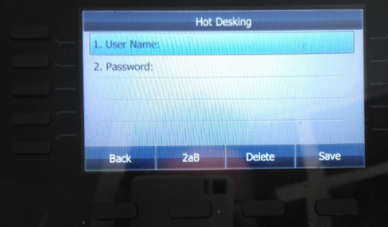
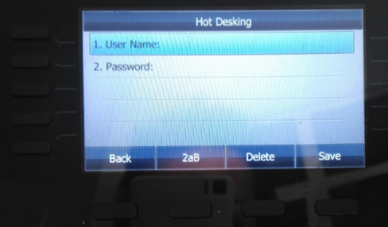
With Hotdesking, you can set a BLF key, clear the current registered user/extension, and then login via the keypad with an updated user / extension.
You can find a full list of supported devices here.