

With the latest browser extension release, we are happy to announce a leap in functionality in outbound calling from within the tools you integrate into 1Stream.
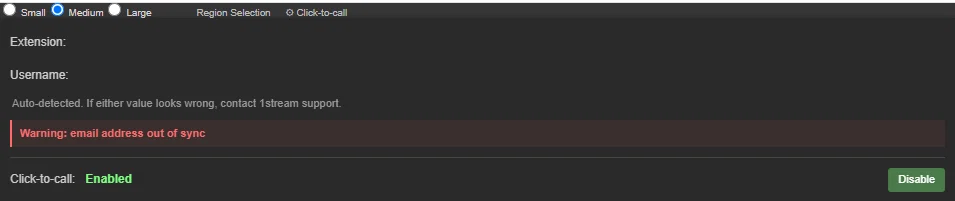
In the new 1Stream client app, you will see settings for Click-to-call
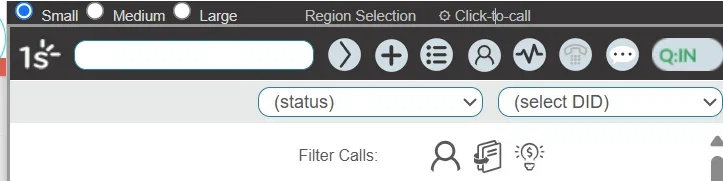
Inside of your integrated CRM/PSA/ERP apps, you will see floating icons in the browser session:


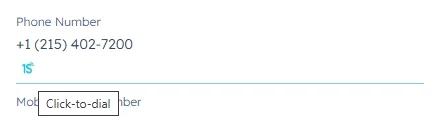
Numbers inside of your CRM/PSA/ERP should show up with an icon to click on for outbound calling.
When dialing out from your integrated CRM, PSA, or ERP system(s):
- The outbound call will dial from whatever apps or devices are connected to your user account. Pick up the call and intended number will be called.
- An activity and/or call record will be automatically created (unless you have disabled this feature).
- A call summary will be posted to your activity or call record (this assumes your transcription settings are enabled and pre-configured).
- A full transcript, sentiment score, next steps, and coaching tips will post as an internally note to the record you dialed from (unless you disabled this feature).
- The audio file of the call will post as an internal attachment to the record you called from (unless you disabled this feature).
In short, all you need to do is click on the number and the rest should happen automatically!